I am one of those super-organized people.
Even before I was an architect.
I hear about how hard it is for people to keep track of their images — if on the puter.
Understand I am not a Pinterest fan.
I use it to share my art, and might use it in a classes,
but my references and folders are way too personal and
I don’t like having them stored on a cloud for the world to see.
Here is my way to organize my art images.
 I have a File called an ART SORT file on my desktop.
Everything CAN go into that as a holding folder.
Then I know what I paint — and have broad categories in file folders ready.
0 FOOD. 0 USk. 0 BUDDHA-ZEN. 0 BLOG BUDDIES. 0 BARNS.
0 FLOWERS. 0 GODDESS.
(I have the “0-name” to keep them up on top as image folders,
which are related to art. Numbers come first in any sort.
It is not necessary for you to do that.)
Then I have some projects. 2016 RESTORE OREGON. 2016 TRIP SOUTH.
If I haven’t time the images get labeled and into the ART SORT folder.
I am disciplined that way. Then I can sort later —
OR, I drop them into the pre-named folders.
Maybe you start with FLORA AND FAUNA. USK. FAMILY or PEOPLE or CRITTERS.
Keep it simple, but so you can find the image….
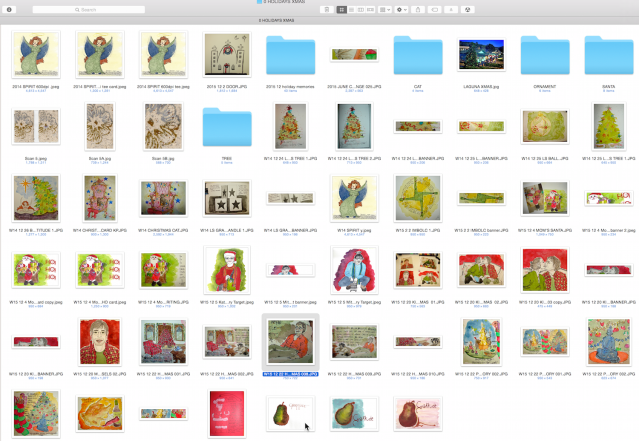
Sometimes these are further broken into files such as within
the HOLIDAY folder, there is ANGEL, TREE, CAT, SANTA, ETC.
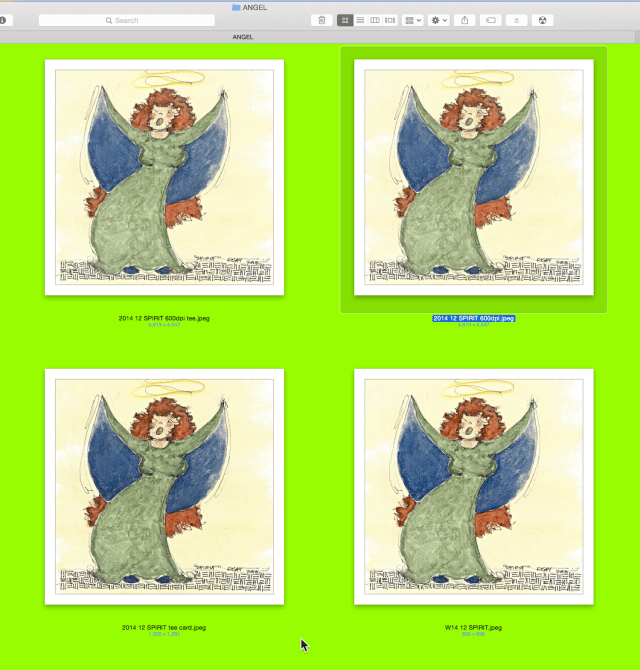
Then within a big file I have the images — and sometimes the reference photo.
Having had to keep track of thousands and thousands of images for our business,
I came up with a great labeling system.
Year first, then month, then day, then what it is: “2016 12 4 GRATITUDE PEAR”
If it is formatted for Redbubble then it becomes “2016 12 4 GRATITUDE PEAR RB“.
I distinguish a large sized image from a web-sized image by changing the year
from “2016” to “W16” — “W16 12 4 GRATITUDE PEAR”
which always means it is formatted to my standard sizes for web-formats.
BTW, this also helps in searches. I can search “RB”
and come up with every image I posted to Red Bubble.
I can search “2016 12” and see what I created in December 2016.
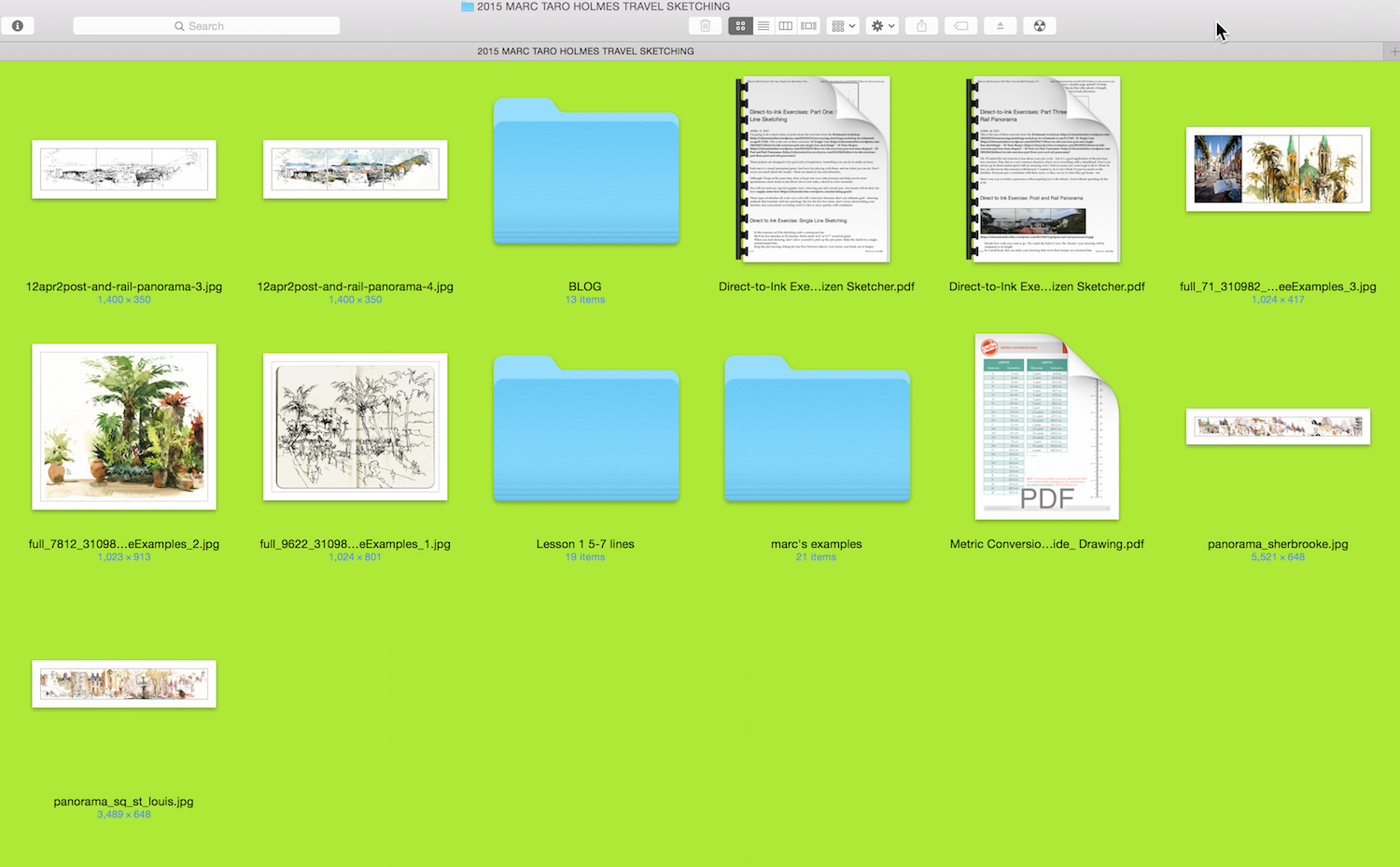
If you go back up to the second image above and expand it, then you see that I can easily
find the web-formatted images in case I want to grab one for a blog post, as they drop down to the bottom of the file because they all start with “W–”
(except if I have zebras or zoos or…)
Smaller web-sized formats load faster, can’t be grabbed easily if someone wants to steal my image for profit, and saves me $$ in paying for big file storage in WordPress.
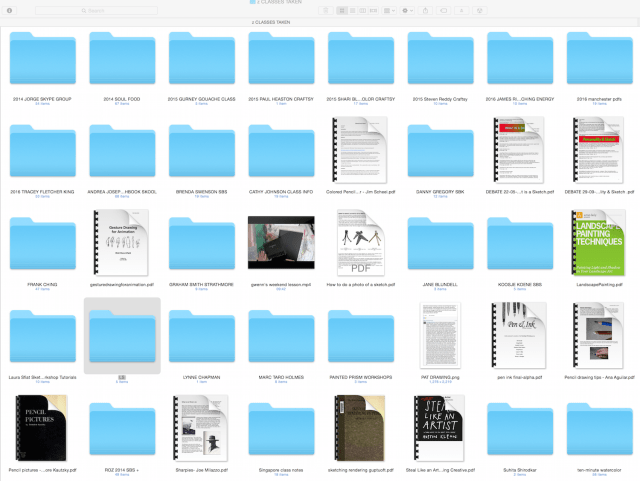
I also have files that are related to my art, like PEN & INK. ARTISTS. CLASSES.
I toss anything that I want to reference into these files, books, pdf’s, videos.
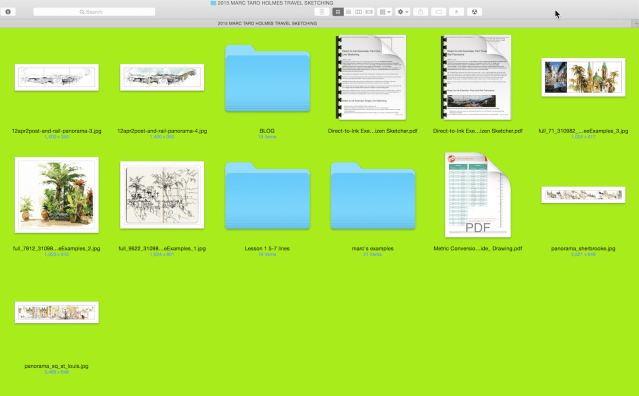
When I take a class then I create a class files, such as this one from Marc Holmes.
I don’t save everything, but I save the things I know I want to refer to later….
I like Marc’s palms!
I hope this helps some of you… It can seem like a daunting task to start now that you have thousands of images. Trust me, it is not as hard as it looks. I’ve had to do this for my husband several times as he tends to throw it all into one folder!
☾

©D. Katie Powell.
My images/blog posts may be reposted; please link back to dkatiepowellart.
☾
 As my Patreon supporter, you will have
access to some content not on this website,
sneak previews, goodies, discounts on classes.
I teach architectural sketching,
art journaling (art+writing), creativity, watercolors.
That annoying loud-mouth editor/critic in your head? GONE! How great would that be?
I'd love it if you shared this; please mention my blog name!

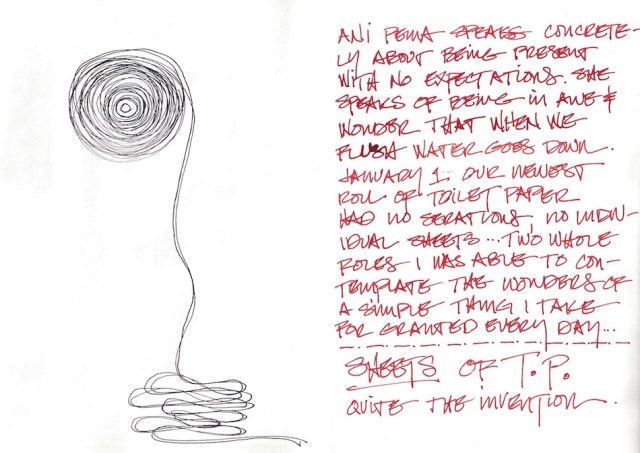 At the New Year we also had a strange experience with toilet paper.

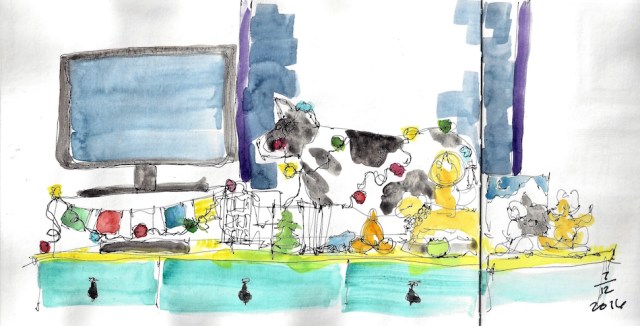



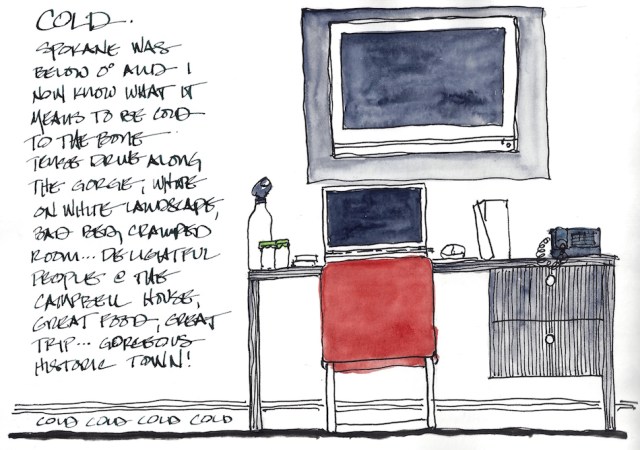
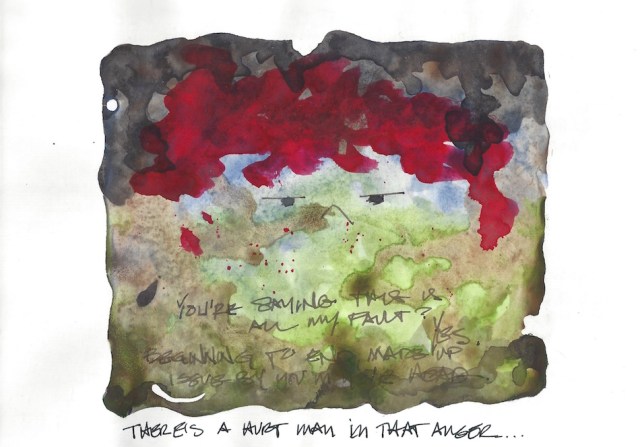
 Tip-in over drawing.






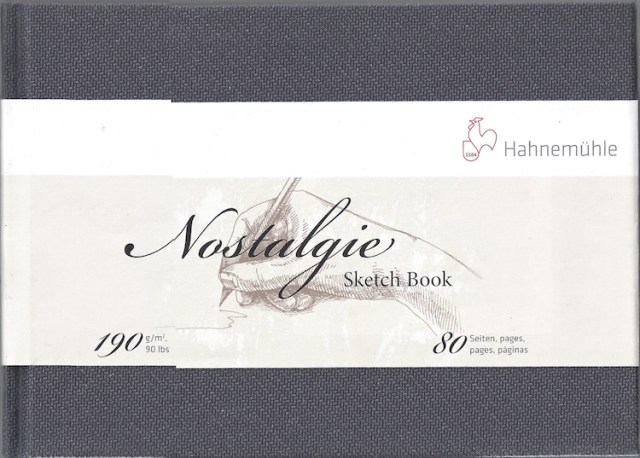
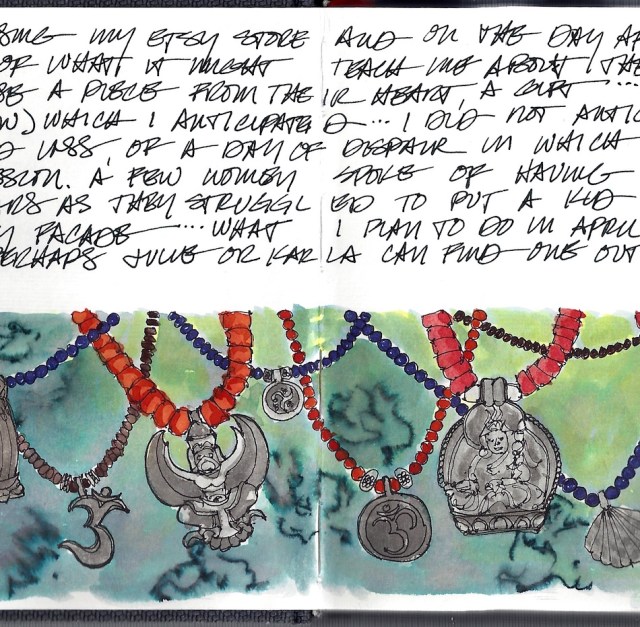



 I started my new Nostalgie Sketch book.